

If you’ve been asking yourself, “My website gets traffic, so why am I not getting leads?” – trust me, you’re not alone. This is one of the most common frustrations business owners deal with, and honestly, it’s usually not just one thing causing the problem.
Getting traffic means people are finding your website and showing up. But that doesn’t necessarily mean they’ll fill out a form, call you, or request a quote. Your website might be ranking well and bringing in a decent number of visitors, but still missing the most important part: turning those visitors into actual leads.
So, what’s going wrong?,In this article, we’ll break down some of the most common reasons a website struggles to convert visitors, how you can figure out what’s actually happening on your site, and what you can do to fix it. Whether you want to make the changes yourself or need a little help from a team like WP Badgers, we’ll walk you through it.
Why Is My Website Not Generating Leads?
Your website may not be generating leads because getting traffic and getting conversions are two totally different things. Traffic tells you how many people are visiting your site. Leads, on the other hand, come from people who actually take the next step – like filling out a form, calling your business, or booking a consultation.
So, you can have decent website traffic and still get very few leads. Maybe your messaging isn’t clear enough, your offer doesn’t really connect with visitors, the user experience is frustrating, or the people landing on your site simply aren’t the right audience for what you sell. Honestly, it’s usually not just one problem. It’s often a bunch of small issues that add up and cause visitors to leave without taking action.
The good news? Most of these problems can be fixed. You just need to figure out what’s getting in the way and where your website is losing potential customers.
10 Common Reasons Your Website Is Not Generating Leads
1. Your Website Does Not Clearly Explain What You Offer
If a visitor lands on your homepage and can’t tell within a few seconds what you do, who you help, and why it matters to them, they’ll leave. This is one of the most overlooked lead generation problems out there.
Example: A local plumbing company’s homepage opens with “Committed to Excellence Since Day One” instead of stating plainly that they offer emergency plumbing repair in a specific service area.
How to spot it: Ask someone unfamiliar with your business to look at your homepage for five seconds, then explain what you do. If they struggle, your value proposition isn’t landing.
The fix: Rewrite your headline and subheading to state exactly what you offer, who it’s for, and the outcome you deliver. Save the branding language for later in the page.
2. Your Call-to-Action Is Weak or Missing
A website without a clear call to action is like a shop with no visible checkout counter. Visitors may be interested, but if there’s no obvious next step, most won’t go looking for one.
Example: A page ends with a generic “Learn More” button that goes nowhere specific, instead of “Request a Free Quote” or “Book a Consultation.”
How to spot it: Scroll through your key pages. If you can’t immediately spot what you want the visitor to do next, neither can they.
The fix: Use one clear, specific CTA per page. Make it visually distinct, repeat it at logical points on longer pages, and use action-oriented language tied to what the visitor gets.
3. Your Website Is Attracting the Wrong Traffic
Not all traffic is created equal. If your SEO strategy is pulling in visitors searching for something adjacent to – but not actually matching – what you offer, your conversion rate will suffer no matter how good your site looks.
Example: A B2B software company ranks for a broad, informational keyword that attracts students and researchers rather than buyers evaluating software.
How to spot it: Check which keywords and pages bring in traffic, then compare that against your actual lead volume from those same pages.
The fix: Prioritize keywords with commercial or transactional intent over purely informational ones, and make sure your content targets the audience that’s actually ready to become a customer.
4. Your Landing Pages Are Not Built for Conversion
General-purpose pages try to do too much. A landing page built for a specific offer, campaign, or service tends to convert far better because it removes distractions and speaks directly to one goal.
Example: A paid ad campaign sends traffic to the homepage instead of a dedicated landing page, so visitors have to hunt for relevant information.
How to spot it: Look at your bounce rate and time-on-page for landing pages versus other pages. High bounce with low engagement often signals a mismatch between expectation and content.
The fix: Build focused landing pages for specific offers or campaigns, with one goal, one CTA, and content that speaks directly to what brought the visitor there.
5. Your Contact Forms Create Too Much Friction
Every extra field on a form is a small reason for a visitor to abandon it. Long, complicated forms are a quiet but significant contributor to website conversion problems.
Example: A service business asks for name, email, phone, company size, budget range, and a detailed project description before a visitor has even had a conversation.
How to spot it: Check form abandonment data in your analytics tool, or simply fill out your own form and count how long it takes.
The fix: Ask only for what you truly need at this stage. Name, email, and a brief message is often enough for an initial inquiry – you can gather more details later.
6. Your Website Is Too Slow
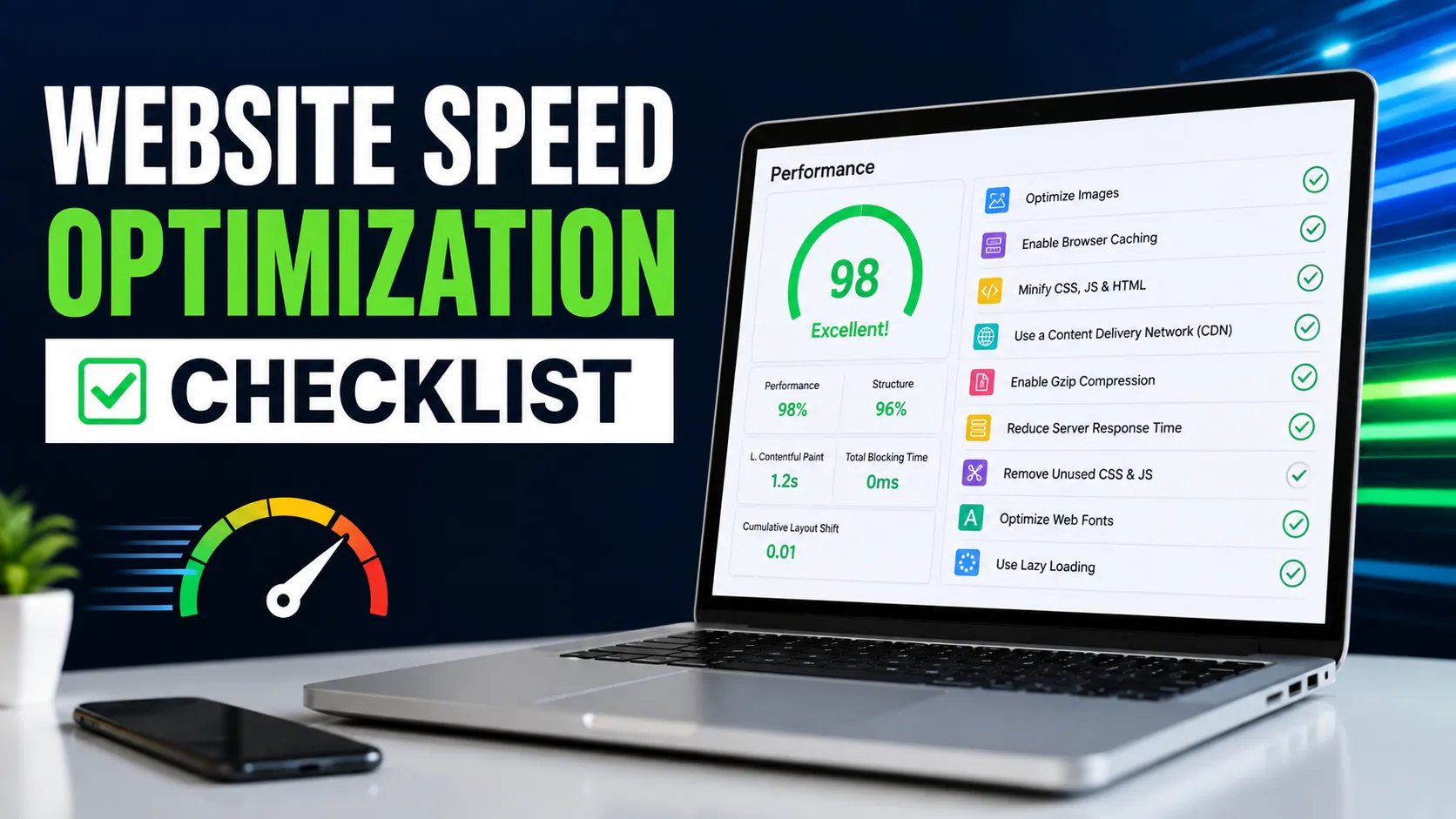
Page speed directly affects how long visitors stick around. A slow-loading site frustrates visitors before they even see your offer, and search engines factor speed into rankings too.
Example: A homepage loads large, uncompressed images that push load time past four or five seconds on mobile connections.
How to spot it: Run your key pages through Google PageSpeed Insights and pay attention to both the score and the specific issues flagged, like unoptimized images or render-blocking scripts.
The fix: Compress images, reduce unnecessary scripts and plugins, and consider caching or a lighter hosting setup if speed issues are widespread.
7. Your Website Is Difficult to Use on Mobile
Mobile responsiveness isn’t optional anymore. If buttons are hard to tap, text is too small, or forms are awkward to fill out on a phone, you’re losing leads before they even reach your offer.
Example: A contact form works fine on desktop but the submit button sits off-screen on mobile, so visitors give up.
How to spot it: Actually test your own site on a phone – not just a browser’s mobile preview. Try filling out your forms and tapping your CTAs.
The fix: Make sure layouts, buttons, and forms are fully functional and easy to use on smaller screens, not just visually acceptable.
8. Visitors Do Not Trust Your Business Yet
People rarely convert on a site that feels unfamiliar or unproven, especially for higher-consideration purchases. Trust signals and social proof help close that gap.
Example: A service page has no reviews, testimonials, certifications, or case examples – just a description of the service itself.
How to spot it: Compare your page to a competitor’s. If theirs includes reviews, credentials, or client logos and yours doesn’t, that’s a visible trust gap.
The fix: Add genuine testimonials, reviews, certifications, years in business, or recognizable client names where relevant. Don’t fabricate any of it – even a small number of real, specific testimonials works better than vague or invented ones.
9. Your Content Does Not Match Search Intent
If someone searches for “how to fix a leaking pipe” and lands on a page trying to sell them a full plumbing service, the mismatch between what they were looking for and what they found will send them right back to the search results.
Example: A blog post ranks for an informational query but immediately pushes a hard sales pitch instead of answering the reader’s actual question.
How to spot it: Look at your top-performing pages by traffic and check whether the content genuinely matches what the target keyword is asking for.
The fix: Match content format and depth to the intent behind the keyword. Informational content should genuinely inform first, with a soft, relevant next step – not an aggressive pitch.
10. You Are Not Tracking What Happens After Visitors Arrive
You can’t fix what you can’t see. Without proper conversion tracking, you’re guessing at what’s working and what isn’t.
Example: A business knows how much traffic its site gets each month but has no idea which pages actually produce form submissions or calls.
How to spot it: Check whether goals or events are set up in your analytics tool for form submissions, phone clicks, and other key actions. If they’re not configured, you’re flying blind.
The fix: Set up proper conversion tracking so every lead source and page can be measured, not just estimated.
How to Find Out Why Your Website Is Not Converting
Diagnosing website not converting issues means looking at real behavior data, not guessing. Here’s a practical process:
- Google Analytics: Check bounce rate, average engagement time, and drop-off points by page. Pages with high traffic but low engagement are worth investigating first.
- Google Search Console: Review which queries bring people to your site and whether those queries match commercial intent or purely informational curiosity.
- Conversion tracking: Confirm that form submissions, phone clicks, and chat interactions are actually being recorded as goals or events – not just assumed.
- Form submission data: Compare how many people start a form versus how many complete it. A large gap points to friction in the form itself.
- CTA clicks: Track which buttons get clicked and which get ignored. A CTA with almost no clicks needs a rework, whether that’s wording, placement, or visibility.
- Landing-page performance: Compare conversion rates across landing pages. Big differences often point to messaging or offer issues on the underperforming ones.
- Mobile testing: Manually test key user journeys on a phone. Automated tools catch some issues, but actually using the site catches more.
- Page-speed checks: Run speed tests on your highest-traffic and highest-intent pages specifically, not just the homepage.
- User behavior data: Tools like heatmaps or session recordings can show where visitors hesitate, scroll away, or abandon a form.
The goal isn’t to collect data for its own sake – it’s to find the specific point where visitors are dropping off, so you can fix that exact step.
How to Fix a Website That Is Not Generating Leads
Once you know where the problem is, the fixes are usually straightforward, even if they take some work to implement:
- Improve the homepage value proposition so visitors instantly understand what you offer and why it matters to them.
- Make CTAs clearer with specific, action-driven language and strong visual placement.
- Simplify forms to only the fields you truly need at the inquiry stage.
- Improve landing pages so each one focuses on a single offer and audience.
- Add trust signals like real testimonials, certifications, and case examples.
- Improve page speed by optimizing images, scripts, and hosting.
- Make the website mobile-friendly across every key user journey, not just visually.
- Align content with search intent so pages deliver what the visitor actually searched for.
- Improve internal linking and user journeys so visitors can naturally move from information to action.
- Track conversions properly so you can measure real results, not assumptions.
- Test changes instead of guessing – A/B testing headlines, CTAs, or form length can reveal what actually moves the needle for your specific audience.
Small, measured changes – tested one at a time – usually produce more reliable results than a complete redesign done all at once.
When Should You Consider Professional Website Conversion Help?
Some conversion issues are simple enough to fix yourself. Others involve overlapping technical, UX, and strategic factors that are harder to untangle without experience.
It’s worth considering professional help when:
- Traffic is increasing, but leads are not following that same trend.
- SEO is bringing in visitors, but conversion rates remain consistently low.
- Your website has UX issues you can see but aren’t sure how to prioritize or fix.
- Specific landing pages are underperforming and you can’t pinpoint why.
- Technical problems – like speed or mobile issues – seem to be affecting conversions but the cause isn’t obvious.
- You genuinely can’t tell where visitors are dropping off in their journey.
This is where a team like WP Badgers typically gets involved – not to redesign a site for the sake of it, but to methodically audit where the conversion journey is breaking down, across UX, SEO, technical performance, and messaging, and recommend fixes based on what the data actually shows rather than guesswork.
If you’ve already tried the basics and leads still aren’t moving, an outside, experienced perspective can often spot issues that are hard to see from the inside.
Frequently Asked Questions
Why is my website getting traffic but no leads?
This usually happens when your messaging, offer, or user experience isn’t convincing visitors to take the next step – even though your SEO or ads are successfully bringing people to the site.
How do I fix a website that is not converting?
Start by identifying where visitors drop off using analytics and behavior data, then address the specific issue – whether that’s unclear messaging, a weak CTA, a slow page, or a complicated form.
What is a good website conversion rate?
Conversion rates vary widely by industry and traffic source, so there’s no single universal benchmark. It’s more useful to track your own site’s conversion rate over time and aim for steady improvement rather than comparing to unrelated businesses.
How can I tell if my website has lead generation problems?
Signs include steady or growing traffic with flat or declining form submissions, high bounce rates on key pages, and low engagement with CTAs or contact forms.
Can SEO traffic fail to generate leads?
Yes. SEO can successfully bring visitors to your site while still failing to generate leads if the traffic doesn’t match commercial intent, or if the page itself doesn’t convert once visitors arrive.
How can I improve my website conversion rate?
Focus on clarifying your value proposition, simplifying forms, strengthening CTAs, adding trust signals, and testing changes systematically rather than making broad changes all at once.
Why is my website not generating leads even after a redesign?
A redesign that focuses only on visuals without addressing messaging, CTAs, form friction, or tracking often leaves the underlying conversion problems untouched.
Final Thoughts
If your website is getting traffic but those visitors aren’t turning into inquiries, it’s probably time to look beyond traffic and take a closer look at the conversion journey. That’s where WP Badgers can help. We can identify what might be holding your website back and suggest practical, straightforward improvements to help turn more qualified visitors into actual leads.
Contact WP Badgers for a website and conversion review.