
You installed WordPress.
You wrote 15 blog posts.
You even optimized them with keywords.
But your site still loads slowly. Rankings move… then drop. Traffic never really takes off.
So you start wondering.
Is it my content?
Is it a competition?
Or… is it my theme?
Most WordPress users ignore the theme’s technical foundation. And that’s where problems begin.
Let’s fix that properly.
What is an SEO-Friendly WordPress Theme?
An SEO-friendly WordPress theme is a theme built with clean code, fast loading speed, mobile responsiveness, proper heading structure, and compatibility with SEO plugins like Yoast SEO and Rank Math. It ensures search engines can crawl, index, and understand your content without technical barriers.
In simple words, your theme should help Google read your content easily and load it quickly for users.
Anything else is noise.
How I Evaluated These WordPress Themes
Before recommending anything, I tested themes using:
- Google PageSpeed Insights
- GTmetrix
- WebPageTest
- Default WordPress install
- No page builder initially
- Same hosting environment
What matters most?
- Clean HTML structure
- Minimal CSS and JavaScript
- No render-blocking scripts
- Schema support
- Compatibility with SEO plugins
- Proper H1 and heading hierarchy
Speed is not just about how fast it feels. It’s about how stable and optimized the codebase is.
Now let’s get into the themes.
1. Astra
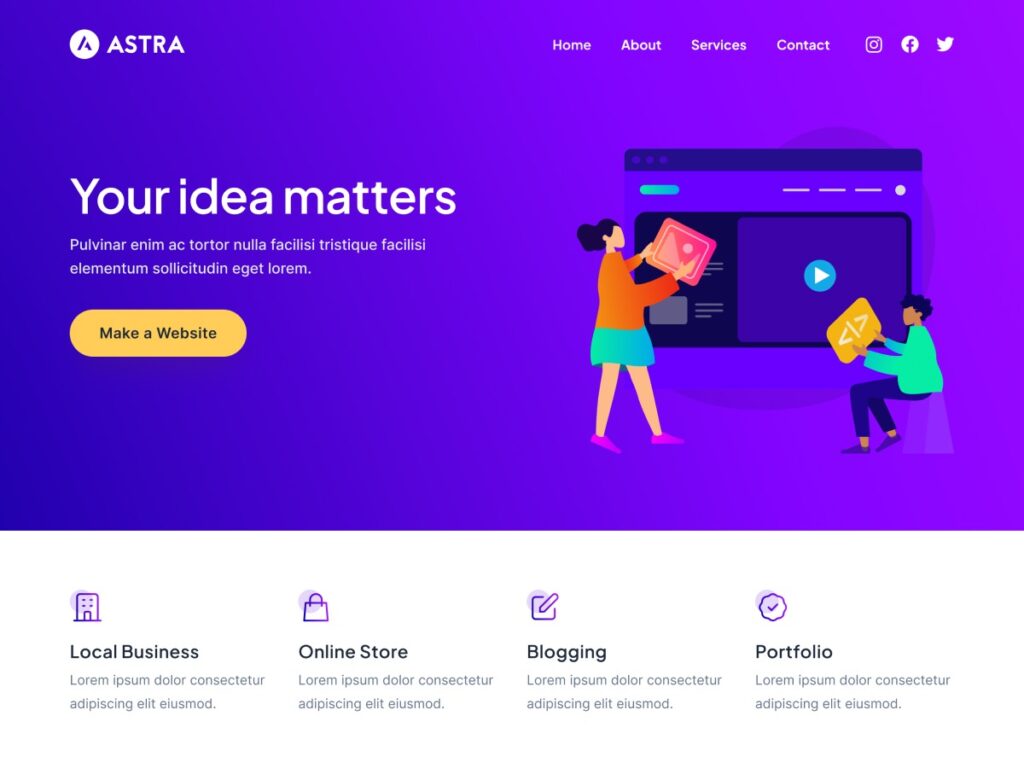
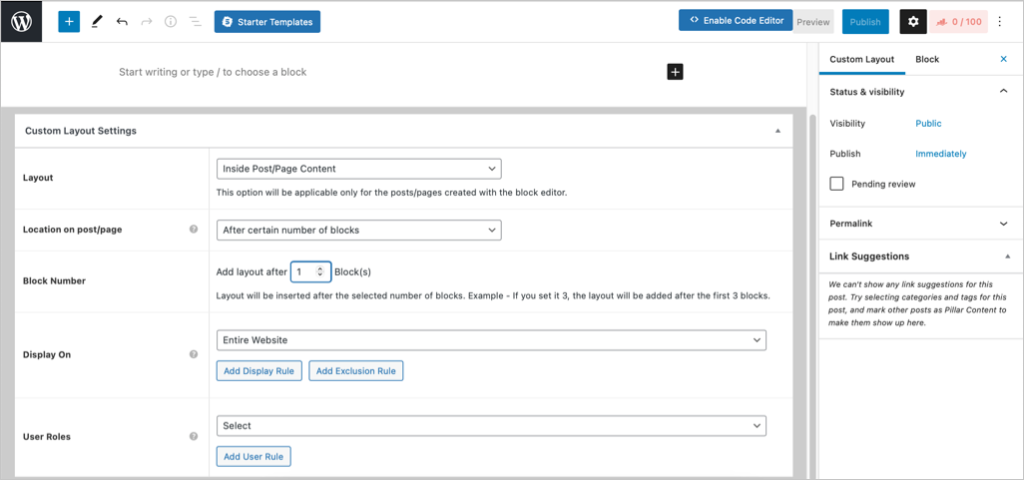
Astra remains one of the most reliable lightweight WordPress themes.
Why It’s Strong for SEO
- Under 50KB front-end size (base theme)
- No jQuery dependency
- Clean schema markup
- Fully compatible with Elementor and Gutenberg
Astra works well for bloggers, agencies, and affiliate sites.
Pros
- Extremely lightweight
- Large starter template library
- Strong developer support
Cons
- Advanced features locked behind Pro
- Can become heavy if too many addons are installed
If you want flexibility without sacrificing speed, Astra is still a strong contender.
2. GeneratePress
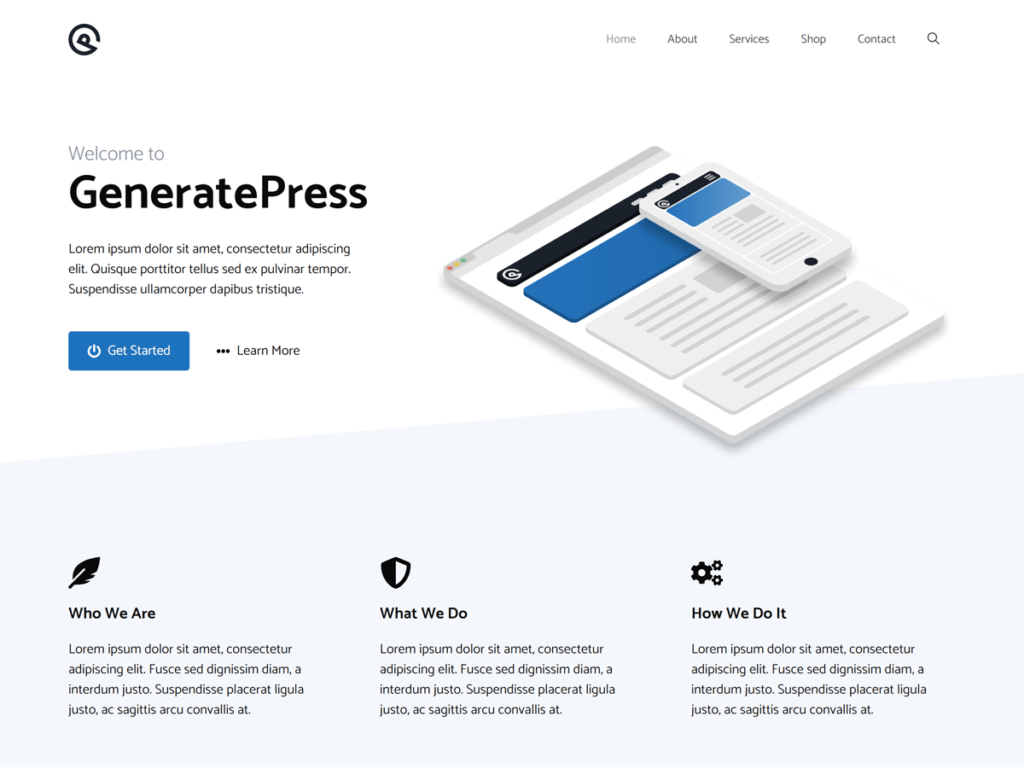
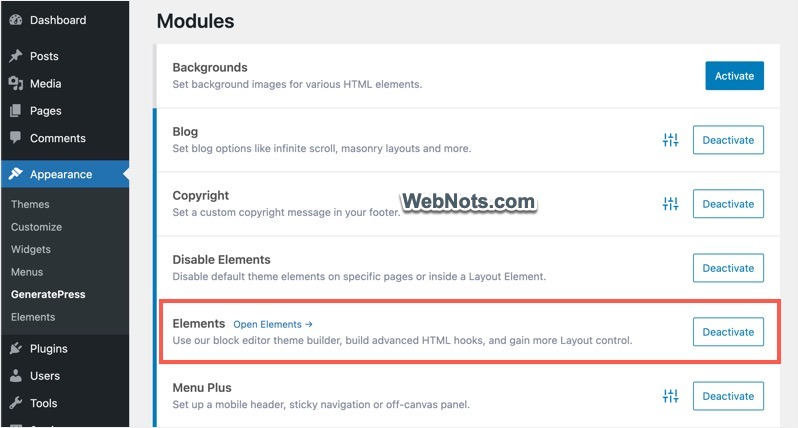
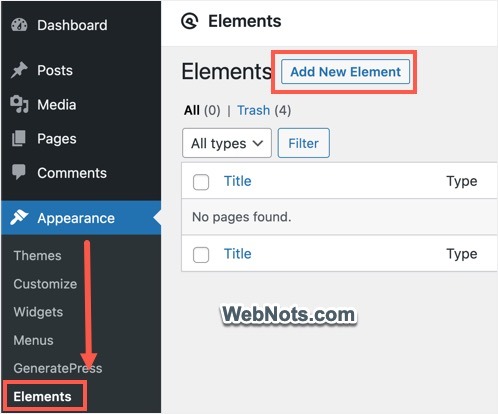
GeneratePress is built for performance-focused users.
Direct Answer: Is GeneratePress good for SEO?
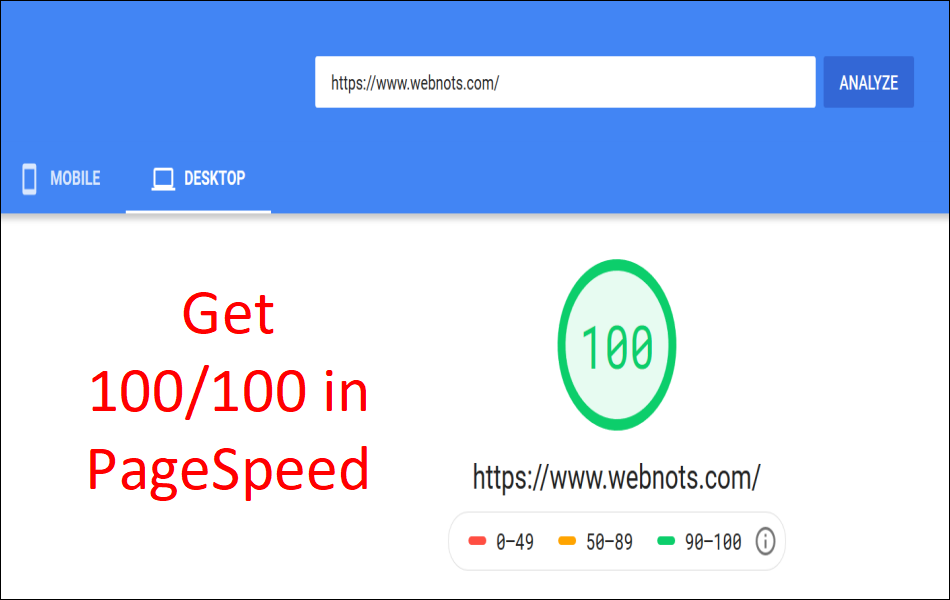
Yes. GeneratePress is one of the fastest WordPress themes with minimal code, strong accessibility standards, and excellent Core Web Vitals performance when used without heavy page builders.
Pros
- Extremely clean code
- Modular design
- Excellent documentation
Cons
- Design may feel plain initially
- Requires customization for advanced layouts
If you care deeply about technical SEO structure, this theme gives you control without bloat.
3. Kadence
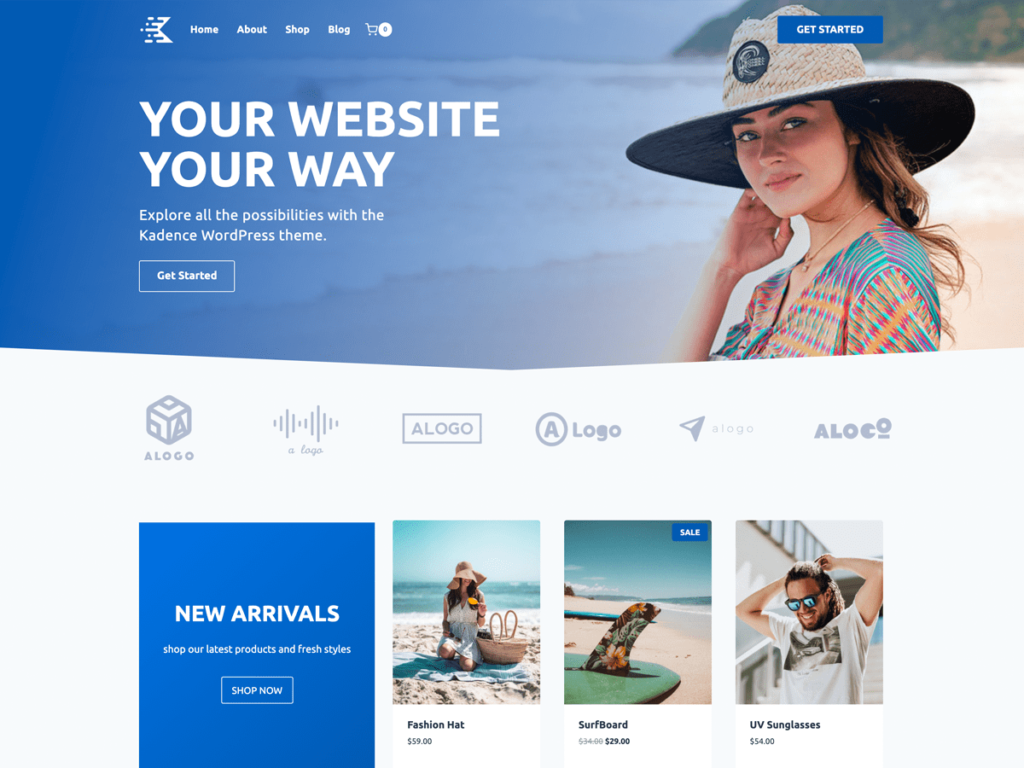
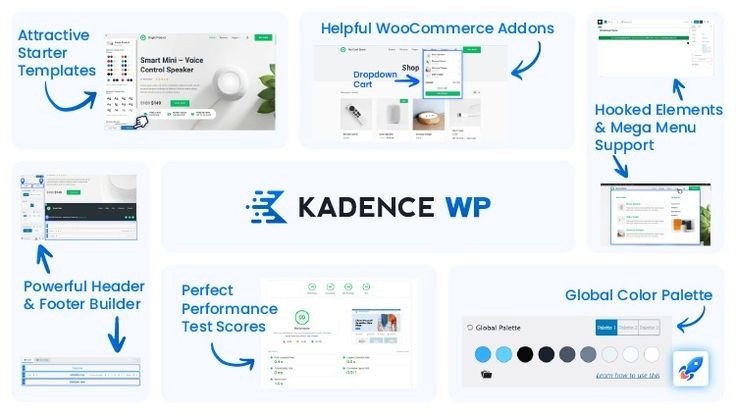
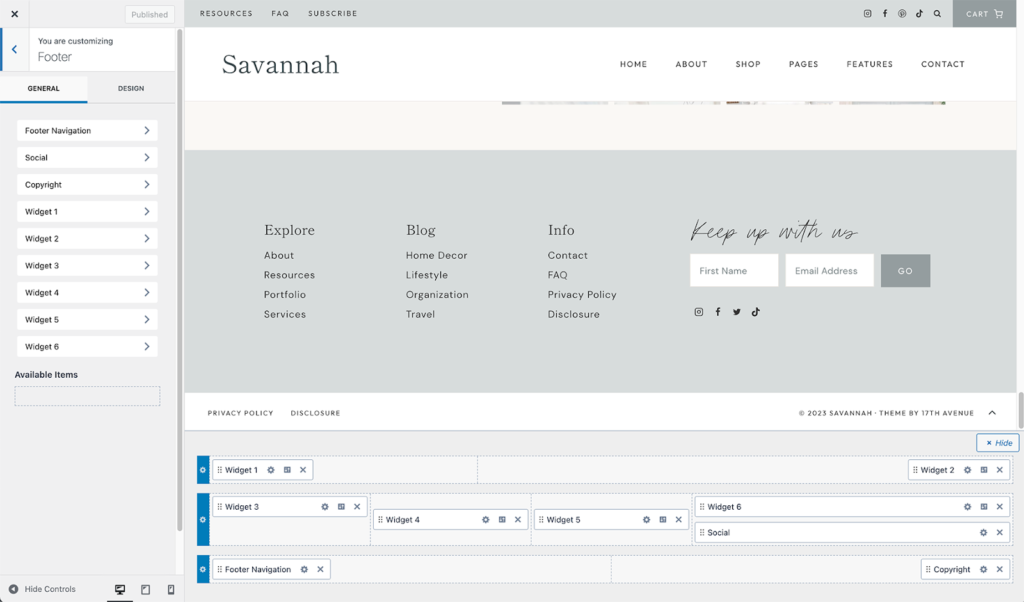
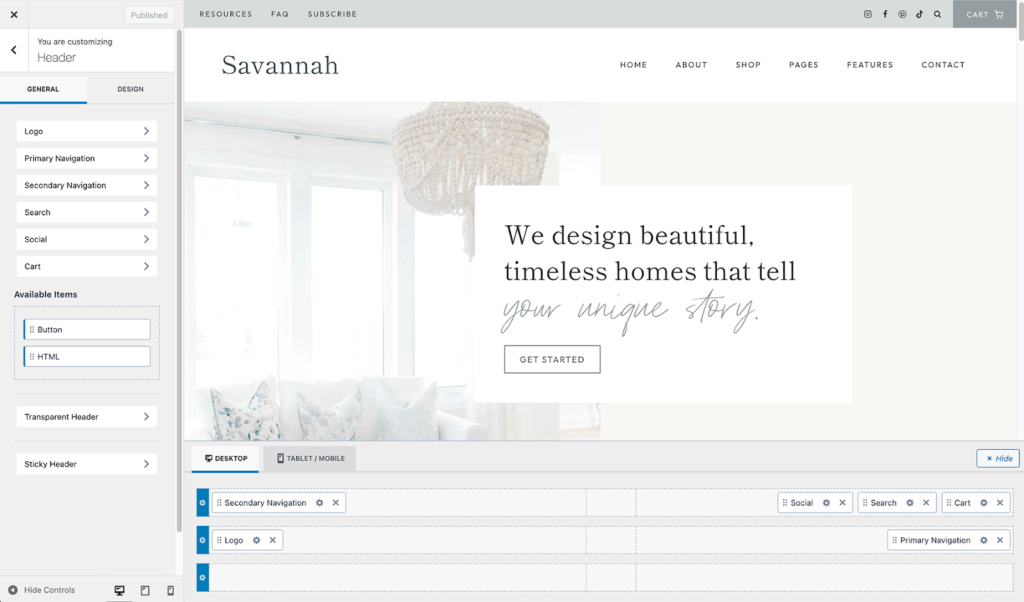
Kadence balances speed with design flexibility.
Why It’s Popular in 2026
- Lightweight base
- Built-in header and footer builder
- Strong Gutenberg integration
- Good accessibility compliance
Kadence is ideal for content creators who want design flexibility without using heavy page builders.
Pros
- Easy visual customization
- Strong performance scores
- Good WooCommerce integration
Cons
- Slightly heavier than GeneratePress in base install
- Learning curve for advanced settings
4. Neve
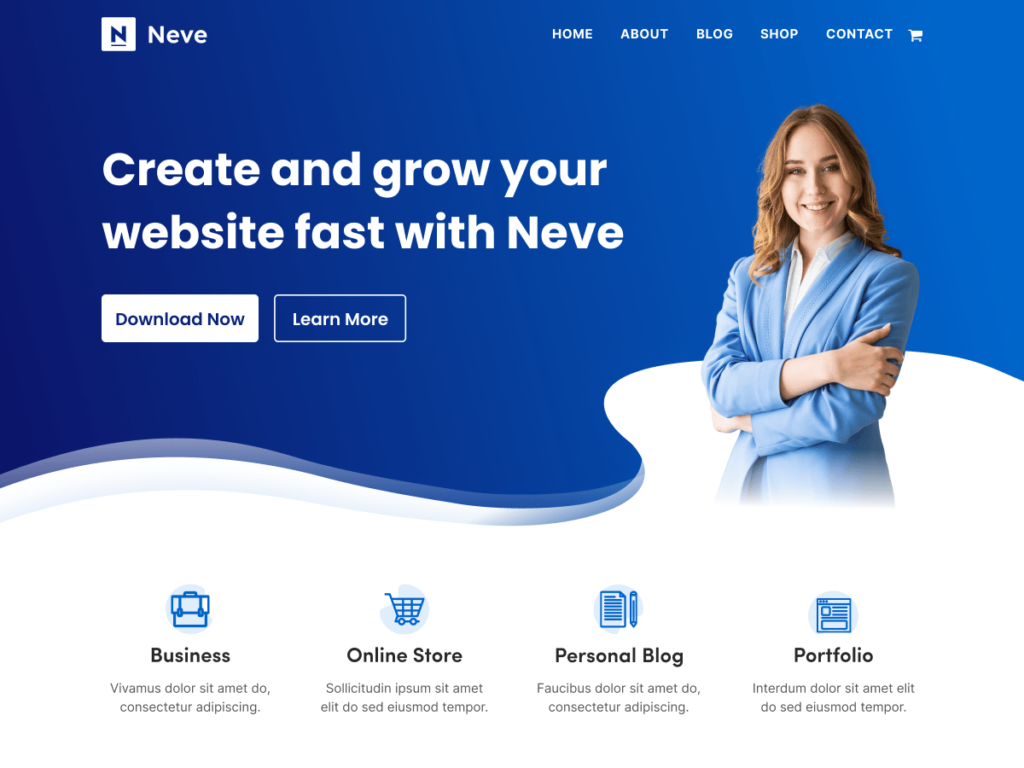
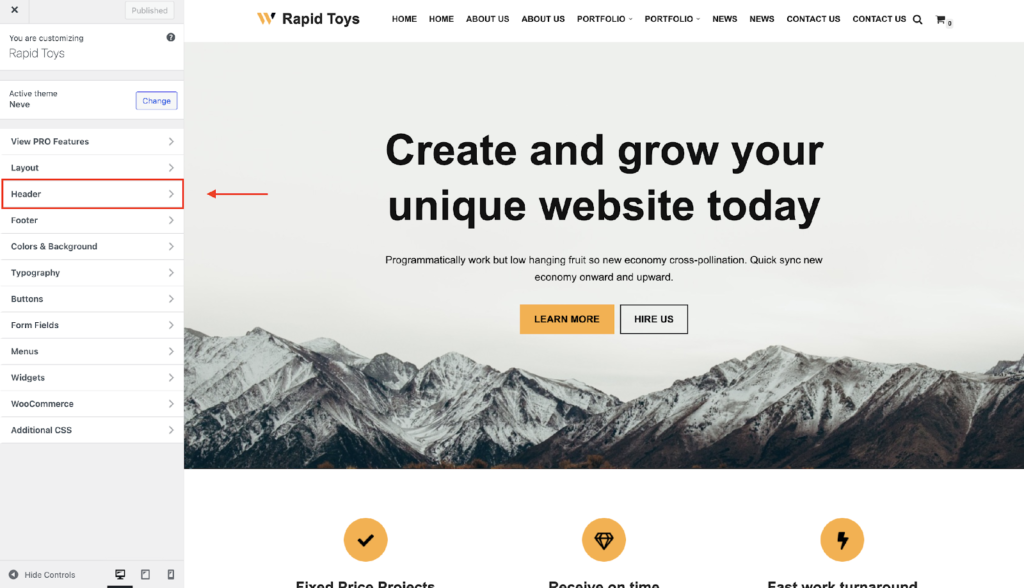
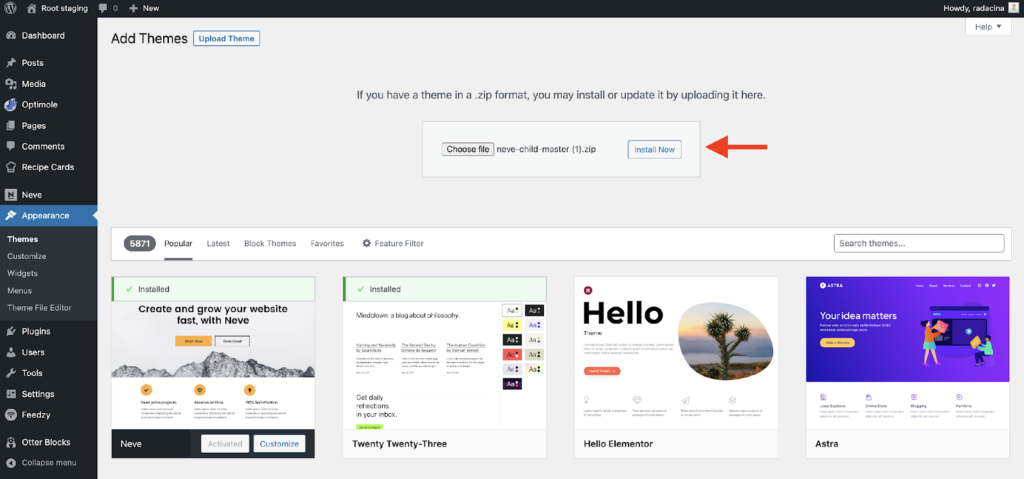
Neve focuses on mobile-first design.
What Makes Neve SEO-Friendly?
- AMP compatibility
- Fast loading
- Lightweight core
- Structured code
It’s beginner-friendly and works well for small businesses and blogs.
Pros
- Easy setup
- Optimized for mobile
- Works well with page builders
Cons
- Customization may require paid version
- Design flexibility is moderate
Step-by-Step: How to Choose the Right Theme for SEO
This is where most blogs stop listing themes.
Let’s go deeper.
Step 1: Define Your Use Case
Blog? Affiliate? Agency? Ecommerce?
Your theme should support that structure natively.
Step 2: Install Without Page Builder First
Test raw performance.
If it’s slow at base level, avoid it.
Step 3: Check Core Web Vitals
Focus on:
- Largest Contentful Paint
- Cumulative Layout Shift
- First Input Delay
Step 4: Inspect Code Structure
Right-click → View Source.
Check:
- Proper H1 usage
- No multiple H1s
- Clean heading hierarchy
Step 5: Avoid Theme Overload
Even the fastest WordPress themes can become slow if overloaded with addons.
Your theme should be a framework, not a feature warehouse.
Common Mistake Most WordPress Users Make
They choose themes based on demo design.
That demo site loads in 1.2 seconds because it’s on premium hosting, fully optimized, and stripped of unnecessary plugins.
You install it. Add 15 plugins. Add a page builder. Add animations.
Now your site loads in 5 seconds.
And you blame SEO.
The problem wasn’t the theme. It was over-customization.
Insider Tip Most Blogs Miss
Theme performance is only half the equation.
Your hosting environment matters equally.
A lightweight WordPress theme on poor hosting will still perform badly.
Pair these themes with:
- Fast hosting
- Proper caching
- Image optimization
- Minimal plugins
Otherwise, even the best SEO friendly WordPress themes won’t save you.
Bold Opinion
The fastest WordPress theme is the one you customize the least.
More design rarely means more rankings.
Content clarity and performance win long term.
Frequently Asked Questions
Which is the fastest WordPress theme in 2026?
GeneratePress and Astra consistently rank among the fastest WordPress themes in clean installations. Both offer minimal code size, modular architecture, and strong compatibility with SEO plugins, making them ideal for speed-focused websites.
Are lightweight WordPress themes better for SEO?
Yes. Lightweight WordPress themes reduce load time, improve Core Web Vitals, and help search engines crawl pages more efficiently. Faster sites improve user experience, which indirectly supports higher search visibility.
Do WordPress themes affect rankings directly?
Themes don’t directly control rankings, but they influence speed, mobile usability, code structure, and accessibility. These factors impact user experience and technical SEO performance, which strongly affect search engine rankings.
Should I use a page builder with SEO themes?
You can, but carefully. Page builders add extra CSS and JavaScript. If performance matters, use Gutenberg or minimal page builder features to avoid bloating your website.
Is a free theme enough for SEO?
Yes, if the free version is lightweight and well-coded. However, premium versions often provide better schema control, design flexibility, and performance enhancements.
You don’t need the most popular theme.
You need the one that fits your goals, your hosting, your customization style, and your long-term SEO plan.
And if you’re unsure which direction to take, or you want someone to analyze your current setup before making changes, you can explore my WordPress SEO services.
Get Started Today
We are always here to
help you achieve the unimaginable

Sometimes a small technical correction changes everything.
Your theme is not just design.
It’s the foundation your rankings stand on.
Choose carefully.

![How to Perform a WordPress SEO Audit [Step-by-Step Guide for Beginners]](https://wpbadgers.com/wp-content/uploads/2026/01/How-to-Perform-a-WordPress-SEO-Audit-Step-by-Step-Guide-for-Beginners-768x432.png)
![Why Is My Website Not Showing Up on Google [Guide to Fixing]](https://wpbadgers.com/wp-content/uploads/2026/02/Why-Is-My-Website-Not-Showing-Up-on-Google-Guide-to-Fixing-768x432.png)